
The real app
Every phone screen is a recording of the Ìtọ́ka app, on a demo account with sample data, edited for length.
 Between Visits
A series from Ìtọ́ka · Season one
Between Visits
Most people living with a health condition look after it at home, between appointments. This series follows one person at a time through those days.
Toronto. Early morning.
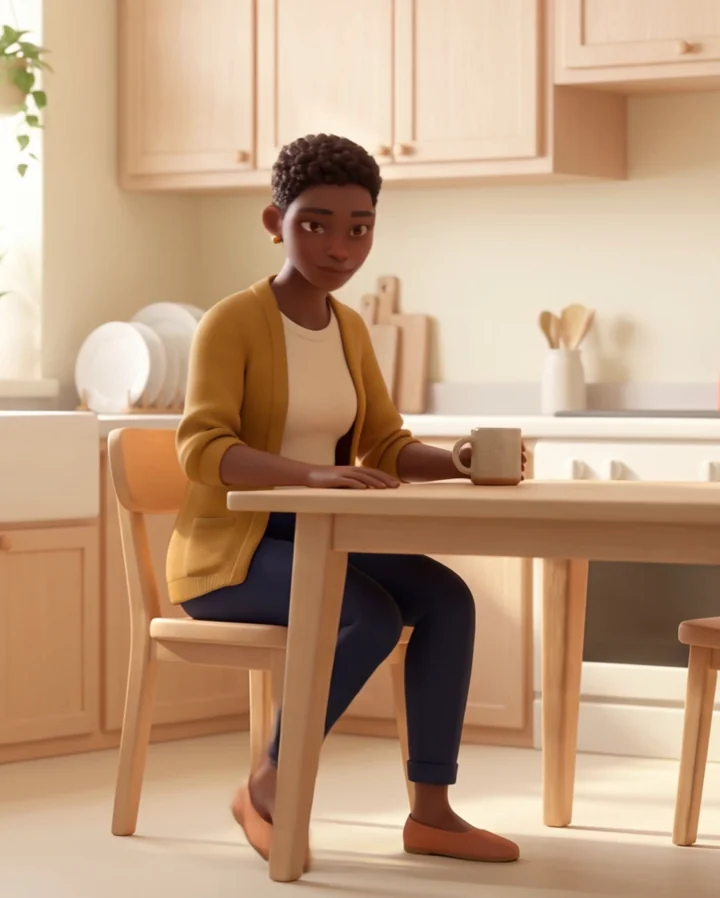
Season one · Meet Amara
Amara lives with high blood pressure and type 2 diabetes. Her story is told in four short episodes: an appointment, a symptom, a page of results, and the day she started.
Amara is a fictional character. The phone shows the Ìtọ́ka app on a demo account with sample data.
Season one · Amara
Watch them in order, or start anywhere. Each one stands on its own, and each has chapters, captions and a transcript.
Episode 01 · 1:55
Amara sees her doctor today. Before, during and after one appointment: the brief she takes in, the visit she records, and the recap she checks.
Episode 02 · 1:52
Amara’s ankles have been puffy for a few days. She logs it in her own words, keeps every change in how strong it feels, and takes it to her next visit.
Episode 03 · 2:24
Her results and clinic notes used to live in a drawer, a patient portal and a photo roll. How one paper result becomes part of her record, and where it goes from there.
Episode 04 · 2:08
Before the brief, the recap and the symptom log, there was day one. How Amara set up Ìtọ́ka in a few minutes, and what each answer goes on to do.

Her doctor sees her for a few minutes at a time.
She lives with it every day.
How these films are made
Every phone screen is a recording of the Ìtọ́ka app, on a demo account with sample data, edited for length.
Every episode has captions and a full transcript, so you can read at your own pace.
The narrator is a synthetic voice, the same in every episode. Amara and Dr Hale are fictional characters.
Ìtọ́ka is a support tool, not a doctor. For medical decisions, talk to your care team.
Ìtọ́ka
Ìtọ́ka is built for iOS and Android, and works on the web.
Ìtọ́ka is a support tool, not a doctor. For medical decisions, talk to your care team.
Between Visits · Episode 03
Episode 03 · Amara
Her results and clinic notes used to live in a drawer, a patient portal and a photo roll. How one paper result becomes part of her record, and where it goes from there.
Amara is a fictional character. The phone shows the Ìtọ́ka app on a demo account with sample data. The footage is edited for length.
Hi, this is Ìtọ́ka. Amara's results and clinic notes used to live in a drawer, a patient portal, and a photo roll. Today, Health Records: how a paper result becomes part of her record, where it goes from there, and how her clinic's system can feed it directly.
Her LifeLabs bloodwork is back. In Health Records, she taps Add a record, then takes a photo of the page, or picks the PDF. PDFs, photos, and office files, up to a hundred megabytes.
Ìtọ́ka reads it in the background, so she can put the phone down; a banner on her home screen tells her when it's ready. It writes a short summary and the key points, and pulls out what matters: results, medications, conditions, allergies, immunizations, procedures, and hospital stays.
Complete findings are filed on their own. Her A1c and her lipid panel land under lab results, with the document they came from. Anything incomplete or uncertain waits for her: a missing date, a possible duplicate. She confirms it, or dismisses it.
If a document doesn't look like hers, Ìtọ́ka says so, and files nothing until she confirms. And deleting a document removes everything that came from it.
From there, the record works for her. Five of her results came back high, so the panel appears in her health timeline on the day it was taken, flagged. When she updates the brief for her next visit, the results are in it. If a discharge summary or clinic note lists a medication she isn't tracking, Ìtọ́ka adds it to her medications and notes where it came from. And her Health Companion can read the result and talk it through.
If her clinic runs on Epic, she can connect MyChart and choose exactly what to share. The first sync starts on its own; after that, one tap in Integrations brings in what's new. Synced records are marked From your provider, and stay read-only.
Her records are organized by category and searchable, and every record shows where it came from: a document she added, her provider, or her own entry.
Ìtọ́ka. Your health, clearly.